Avoid Extra Fees and Enjoy Professional Service
IDEA DRIVEN VACATIONS
Search for Travel Guides, News, Events, Special Interests, and More!
-
Activities and Interests
Uncover fun activities and special interests for your upcoming trip
-
Event Travel
Plan your trip around concerts, festivals, and special events worth traveling for
-
Attractions
Explore top landmarks, scenic spots, and can't-miss local highlights
-
Travel Guides
Navigate each location like a local with our detailed travel guides
-
Travel News
Stay updated with the latest travel trends and vacation rental tips
-
Trip Ideas
Find inspiration for your next getaway with curated trip suggestions and themes
-
Travel Newsletter
Join our newsletter for exclusive travel insights, featured destinations, and trip planning tips
 Connect with a Manager
TRENDING
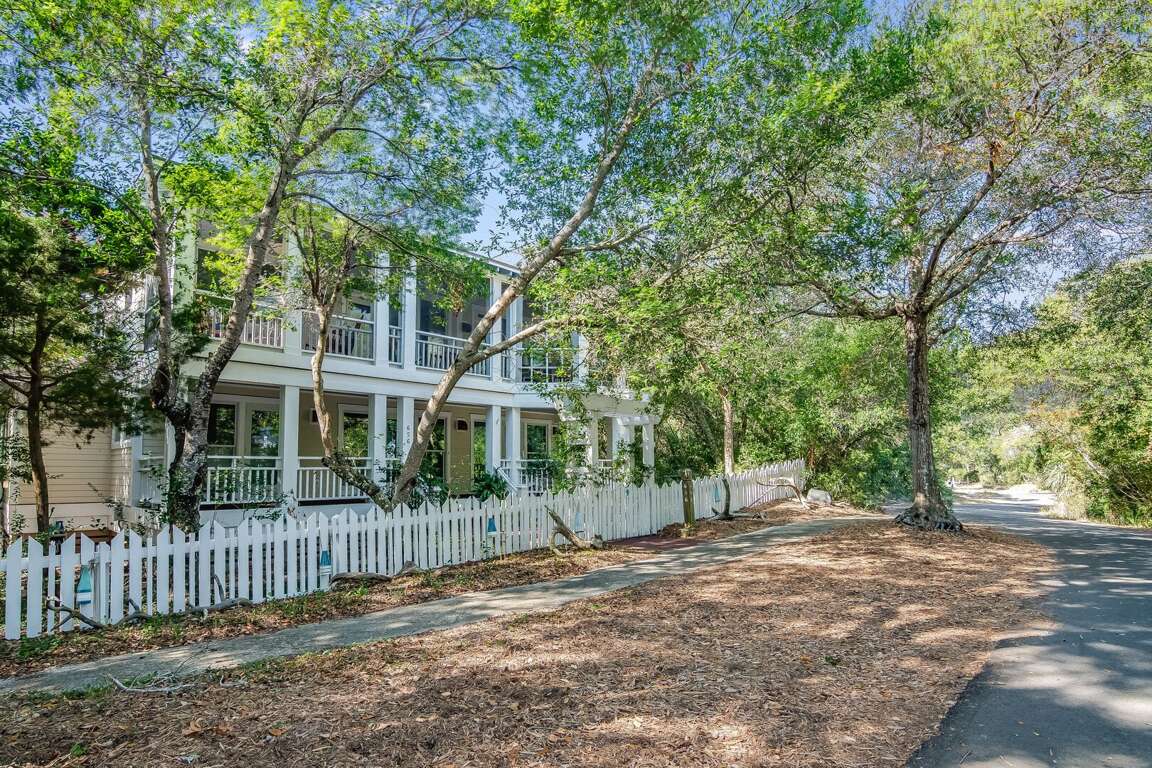
Beach Paws 6 Bedroom Pet Friendly Rental
Bald Head Island North Carolina


Alcatraz East Crime Museum In Pigeon Forge
Pigeon Forge Tennessee

Social Distancing Trips to Take
by Wendy Bixby

Tips for Automating Your Vacation Rental Business
by Evelyn Long
Thank You for Activating Hostfully
Great — you’re almost done!
Your Hostfully account is now securely connected to Find Rentals. This connection allows us to access your property data and sync it directly into our platform — but one more quick step is required before listings can start appearing.
Next, log in to your Hostfully Admin Dashboard and open the Channels section from the left menu. Scroll down until you see Find Rentals in the list of available channels.
Flip the toggle switch ON next to Find Rentals. This tells Hostfully to activate the channel and begin sharing your property data with our system. Once you’ve turned it on, your account will automatically send us the details we need to start syncing your listings.
That’s it! Within a short time, our team will verify your connection and begin importing your properties. If you have any questions or need help getting set up, just reach out to support@findrentals.com — we’ll be happy to help you complete the setup.
Tip: If you ever need to pause or stop syncing, you can simply toggle Find Rentals OFF again in your Hostfully Channels list.